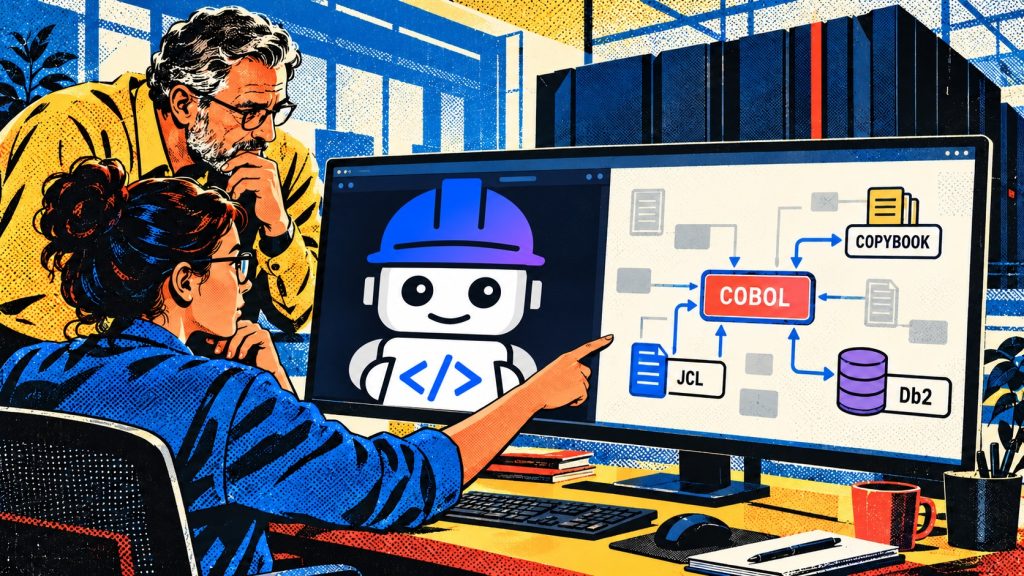
The latest midPoint 4.11 release includes midPilot. midPilot is a set of AI features that help you integrate a new application into midPoint, Evolveum‘s open source identity governance and administration (IGA) platform. It consists of:
- Connector Generator writes a REST connector for an application from its API documentation.
- Smart Integration suggests object types, correlation, mappings and synchronization reactions for a resource.
- Integration catalog is a central catalog of ready-made integrations.
- SCIMREST framework is the low-code layer that generated connectors are built on: YAML and Groovy files instead of a full Java connector.
I’ve tested connector generation and Smart Integration on a small scenario. An HR database is the source of identities, and Snipe-IT (IT asset management) is the target that receives user accounts.
New to midPoint? Start with our getting started guide to Evolveum midPoint IAM, which walks through a basic HR-to-LDAP scenario.
midPilot in one minute
- midPilot brings AI connector generation and Smart Integration to midPoint 4.11.
- It produced a working, authenticated REST connector for Snipe-IT from public API docs.
- One-to-one attribute mappings were mostly right; value translations and data types were not.
- Treat every suggestion as a draft: review it, test it with a simulation, then turn it on.
Prerequisites
I won’t go into much detail about how the whole environment was set up, but I’ll mention what needs to be set up for the AI features to work.
- Turn on the development tools in midPoint.
MP_SET_midpoint_connectors_developmentToolsEnabled=true - Run the connector generator service (
midpilot-connector-gen). It needs its own PostgreSQL database and a schema migration before its first start. - Run the smart integration service (
midpilot-smart-integration). This one is stateless. - Connect both services to an LLM. Any OpenAI-compatible endpoint works. I used a locally hosted MiniMax-M2.5 model behind an internal gateway.
- Point midPoint at the services in the system configuration:
<smartIntegration>
    <serviceUrl>http://midpilot-smart-integration:8090</serviceUrl>
    <connectorGenerationUrl>http://midpilot-connector-gen:8090/api/v1</connectorGenerationUrl>
</smartIntegration>
When everything is in place, the services’ /health endpoints report both the server and the LLM as OK, and the AI service is unavailable popup in the resource wizard disappears.
All of these configuration settings are defined in official midPoint configuration.
Generating a connector
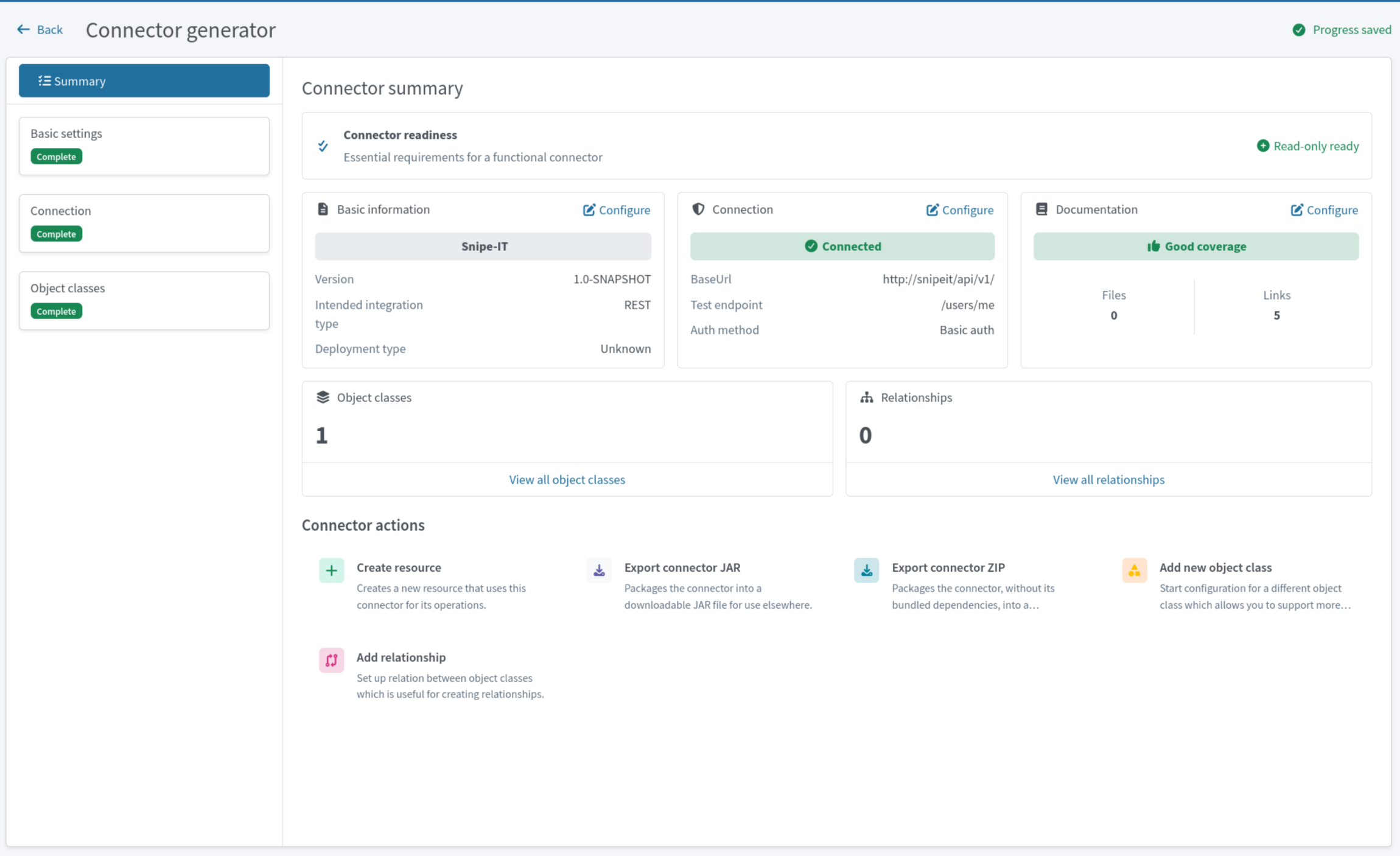
The Connector Generator is a wizard that walks you through these steps:
- Identify the application. You give a name and version and choose the integration type. SCIM, REST and SQL types are available.
- Find documentation. The service searches the web for API documentation on its own and processes it. You can also add documentation manually.
- Configure. In the next few steps you set up the base API endpoints and the authentication type, and define object classes and their operations. This is done by the AI-powered generator. At each step it generates settings, which you can review and change.
In the end it generates a low-code connector, which is nothing other than a set of readable YAML files built on Evolveum’s REST connector framework, not compiled Java. You can open those files, review and fix them. Connectors are saved, and their attributes can be changed later.
What worked?
- Authentication and search worked on the first try.
- The generator added useful comments to its output, including TODOs where the documentation was unclear.
What needed a human?
- The schema was built from the create request, not the read response. Some fields have a different shape when you read them:
permissionsis a JSON object, not a string. Reading users failed until I removed those fields and addedidas the unique identifier. - Write operations aren’t generated automatically. Until I added create, update and delete, the connector could only read.
- The generated create operation listed no attributes, so it sent an empty request.
- Snipe-IT nests the created object under
payload. The current connector template can’t read the new user’s ID from there. Accounts are created, but midPoint can’t link them right away. Correlation plus an import task closes the gap. - Connector changes are loaded only when midPoint restarts.
Generating object types, correlation and mappings
With a resource connected, Smart Integration analyzes a sample of real data and proposes the configuration.
Object types. The AI looked at the HR data and proposed account types based on employment_type: FTE, Contractor and Student. This was done through the GUI wizard, and it explained its reasoning well.
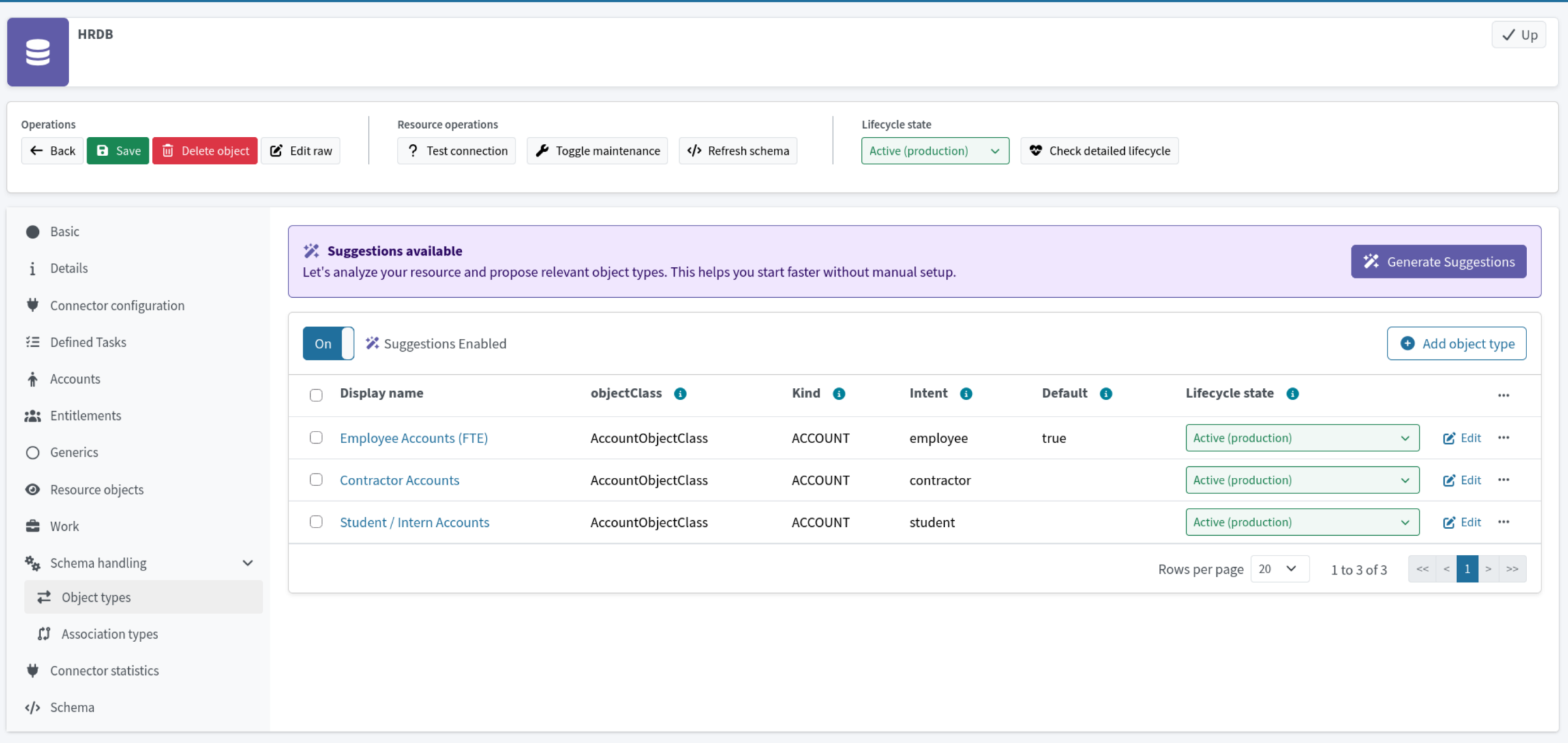
Beyond object types, Smart Integration also generates suggestions for correlation, mappings and synchronization. I didn’t test correlation in this scenario. Synchronization was configured correctly on the first attempt, but there were issues with mappings.
Mappings. Simple one-to-one suggestions were mostly right:
first_name→givenNamejob_title→titlelocation→localityhire_date→validFrom- the employee number →
nameandpersonalNumber
The mistakes showed up wherever a value needed translating, not just copying:
status(ACTIVE,TERMINATED, …) was mapped as-is to midPoint’s activation status. That fails at runtime, because midPoint expectsenabledordisabled.- On the Snipe-IT side, text fields such as department and location were mapped to numeric ID fields like
department_id.
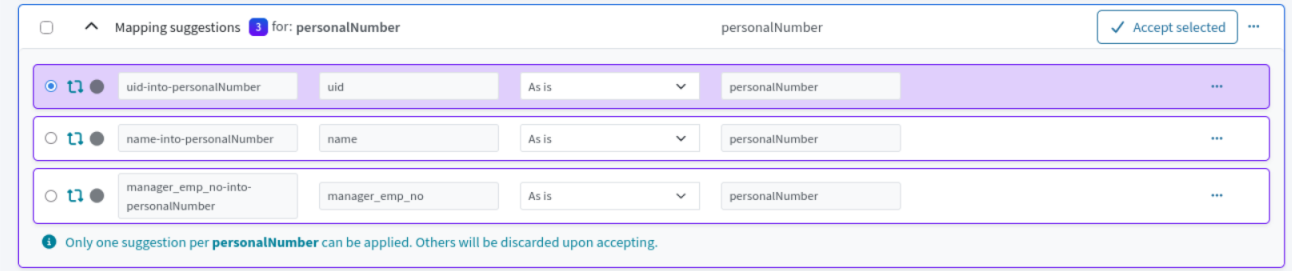
The GUI lets you choose whether to keep the suggested settings. If there are multiple recommendations, you can choose the one you want.
The result
After the reviews and fixes, HR users were imported into midPoint with the correct names and status. Snipe-IT accounts were provisioned and linked exactly as in HR.
Verdict
For anyone evaluating AI identity governance tooling, midPilot is an impressive accelerator. It read real API documentation, produced a working authenticated connector, and pre-filled most of the resource configuration from real data. That saves hours of reading API docs and writing YAML.
An accelerator, not an autopilot
Strong on structure
- API endpoints and paging
- Authentication
- One-to-one attribute mappings
Weak on meaning
- Data types
- Value translations
- Consequences of synchronization reactions
Treat every suggestion as a draft from a junior colleague. Review it, test it with a simulation, and then turn it on.
FAQ: midPilot for identity governance and administration
What is midPilot in midPoint?
midPilot is a set of AI features in midPoint 4.11: Connector Generator, Smart Integration, the Integration catalog and the low-code SCIMREST framework. Together they help you connect a new application to midPoint faster.
Does midPilot replace an identity engineer?
No. In our test it handled structure well (endpoints, paging, authentication and one-to-one mappings), but data types, value translations and synchronization consequences still needed human review.
Which LLM does midPilot need?
Both midPilot services work with any OpenAI-compatible endpoint. In this test we used a locally hosted MiniMax-M2.5 model behind an internal gateway.