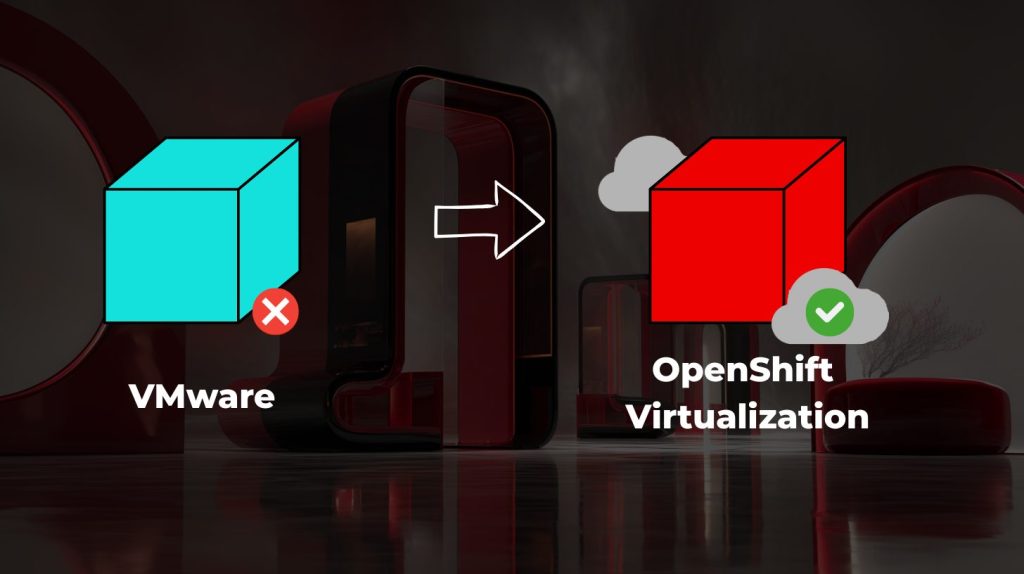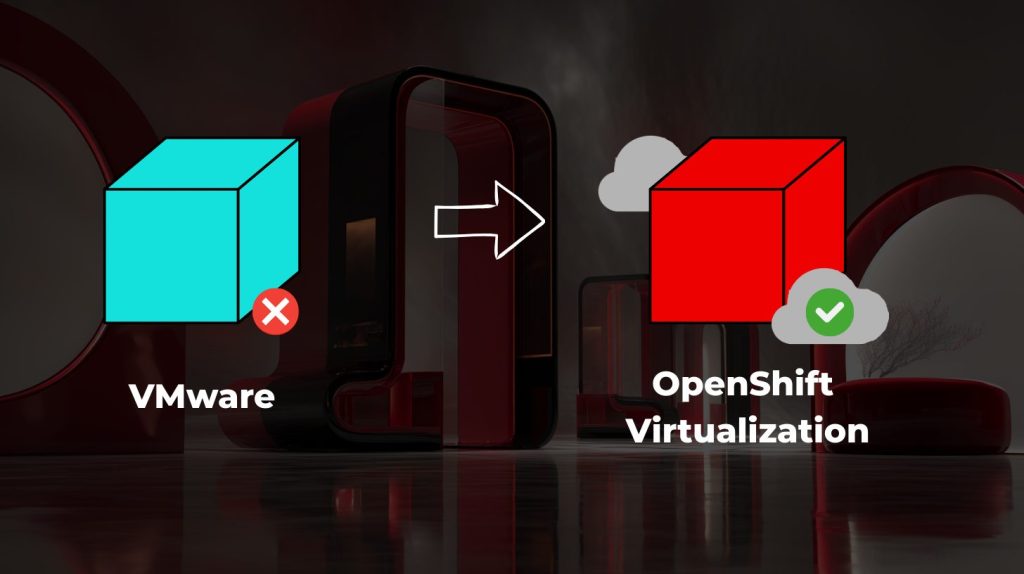
A VMware takeout usually starts with a spreadsheet. VM names, CPU, memory, storage, owners, maybe a few notes from the last infrastructure review. At first, it looks like a solid starting point. You have an inventory, you have numbers, and you have something that can be turned into a migration plan.
But then the real questions start.
Let’s assess what should move, when, and with what risks.
Why VMware migration needs more than VM inventory
That is where a VMware exit stops being a simple migration task and becomes a readiness problem. Because moving workloads is one thing. Understanding what should move, when it should move, how it should be sized, and what risks come with it is something else entirely. Assumptions can easily become very expensive.
We have a customer in the manufacturing industry who falsely assumed their VMware environment was well understood because they had a complete VM inventory. The spreadsheet looked solid. It listed virtual machines across the manufacturing environment, with assigned CPU and memory for everything from smaller reporting workloads to production-critical systems. Each workload had a storage allocation, plus an application owner assigned to areas such as production planning, warehouse operations, machine monitoring, quality control, reporting, and infrastructure support. On paper, it looked like enough to plan the first migration wave.
But once the migration planning started, the real picture became more complicated. Several workloads were significantly overprovisioned, some production systems were more performance-sensitive than expected, and a few critical dependencies were known only by the teams operating them day to day.
The biggest issue was not the lack of inventory. It was a lack of reliable operational context.
What to assess before moving VMware workloads
Before deciding what moves first, teams need to understand their current environment, identify hidden complexity, validate storage, backup and disaster recovery integrations, and group workloads into realistic migration waves. This is often where the first gaps appear: documentation is outdated, resource usage does not reflect actual demand, and dependencies between workloads are not always obvious.
That is why pre-analysis matters. Tools such as IBM Turbonomic can help bring resource demand, right-sizing and optimization data into the planning process, while IBM Instana can add application performance and dependency visibility. Together, they help teams move from static inventory to a clearer migration plan based on how the environment behaves.
In a VMware takeout scenario, that data can help teams move from static inventory to a more realistic view of the environment they are preparing to migrate.
Three views that shape a smarter migration plan
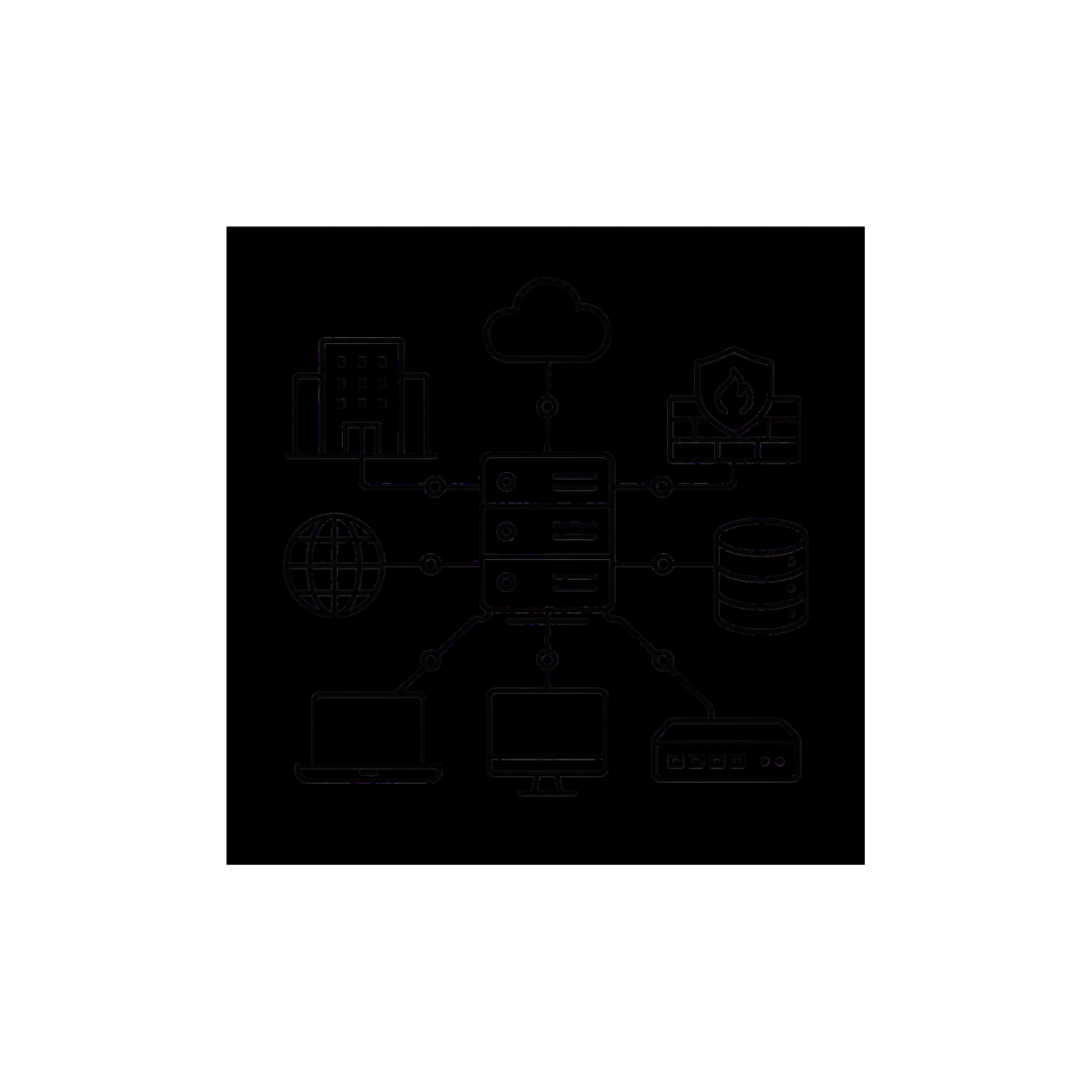
Infrastructure
What exists today, how it is configured, and where the main constraints are. This view sets the foundation for migration planning.
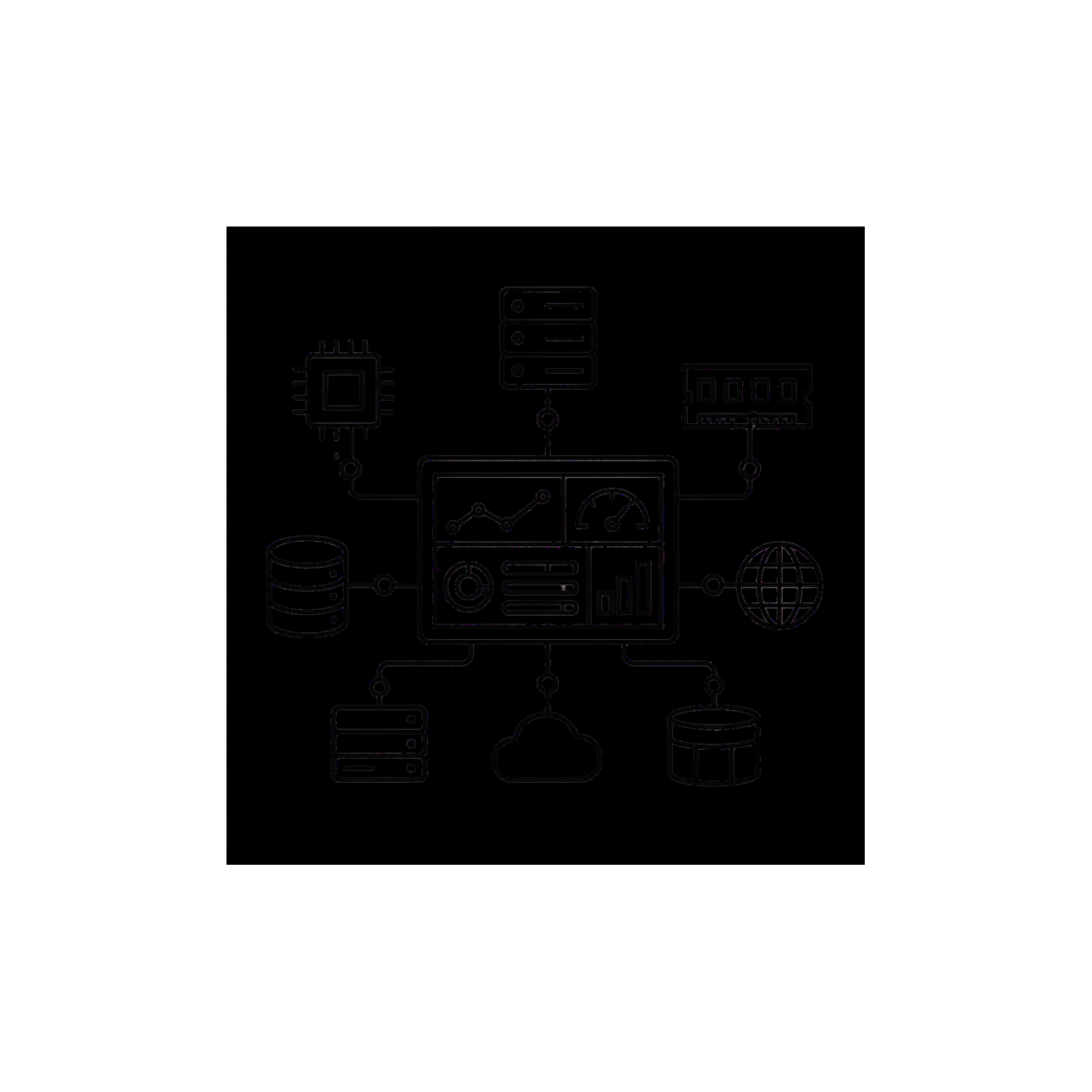
Resource
How workloads consume compute, memory, storage, and network capacity. This is where IBM Turbonomic helps reveal optimization opportunities.

Application
How services depend on each other and behave in production. This is where IBM Instana helps reveal performance and dependency context.

For companies exploring OpenShift Virtualization, the next step is not only to compare platforms. It is to understand the current environment deeply enough to make the migration smaller, smarter, and less risky from the start.